Find BitLocker Recovery Key for Culligan Laptop
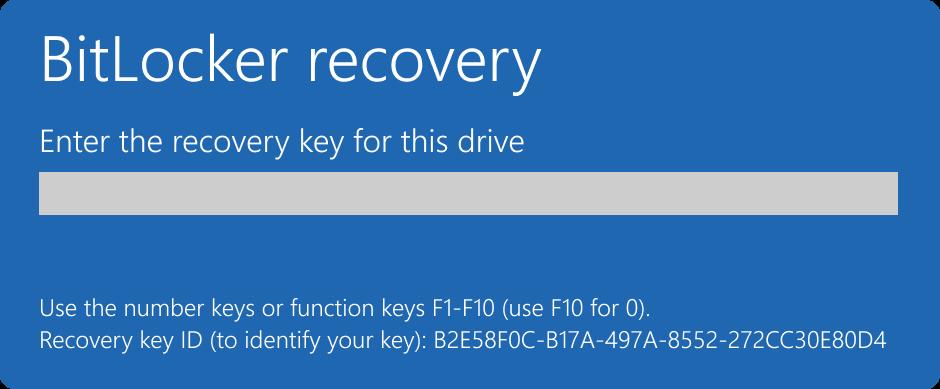
IMPORTANT: If you see the screen displayed in the image below, please follow these instructions to unlock your laptop using another laptop or mobile device.
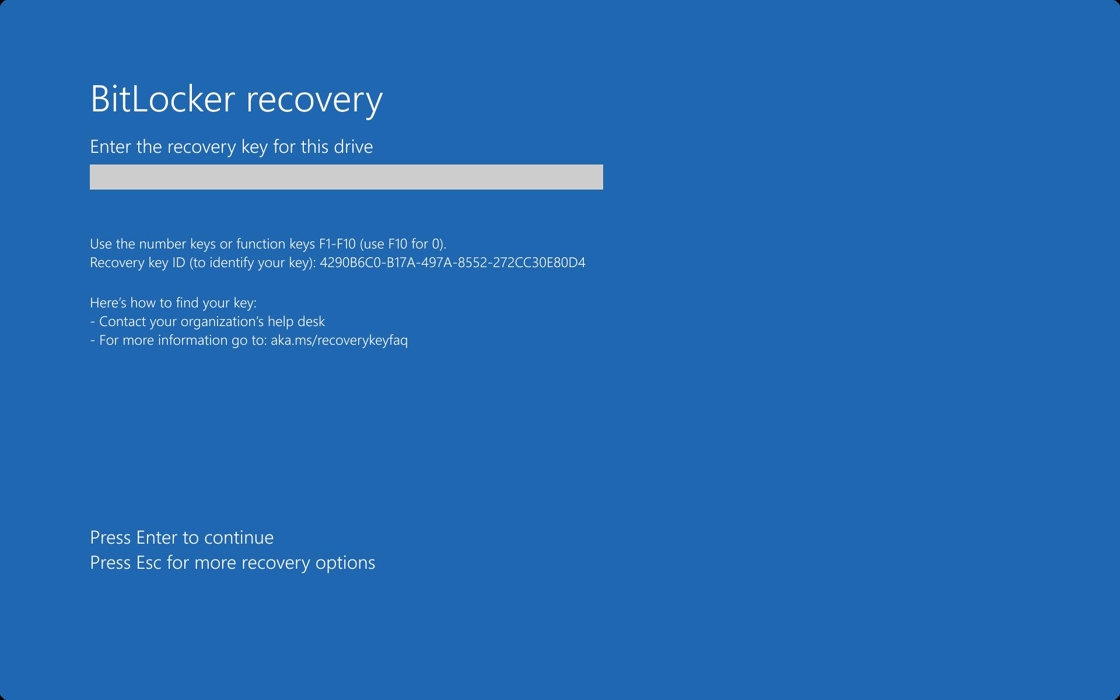
If you need further assistance after attempting the steps below, reach out to IT Helpdesk.
1. Click here from any web browser to navigate to your Microsoft Work Account settings.
2. Sign-in with your work email address and password.
3. Click "Devices"

4. Find your laptop from the list. (Match the device name with the serial number found at the bottom of your laptop.)

5. Click the down-arrow to see details of the device.

6. Click "View Bitlocker Keys"

7. Click "Show recovery key"

8. Use the recovery key to unlock your work laptop.

9. Type the recovery key on your work laptop that is locked.