Setup additional MFA methods
It is recommended that you set more than one verification method for Multi-Factor Authentication (MFA). This can be helpful if your initial method of verification is not available for any reason. Setting an additional verification method will give you the option to "Sign in Another Way" when being asked to authenticate your login to Microsoft 365. The Microsoft Authenticator App method is the most secure and therefore, recommended as your primary method of multi-factor authentication.
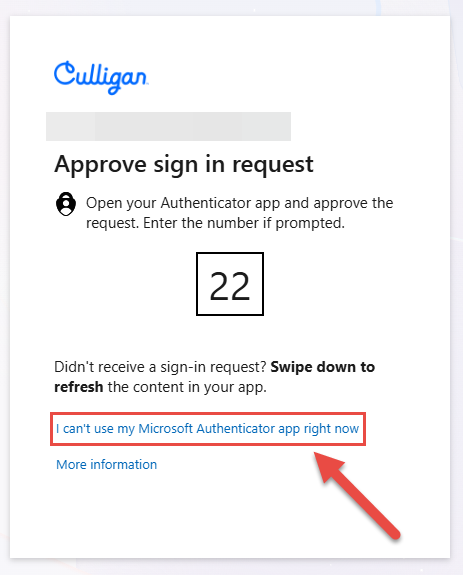
Use the following steps for setting up an additional method for MFA
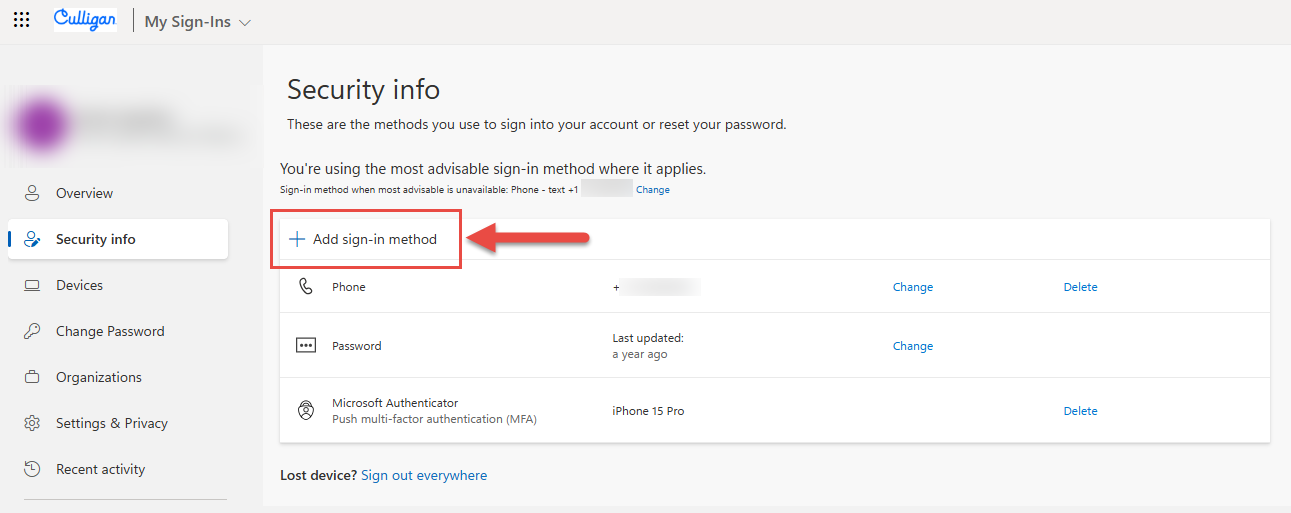
- Start by navigating to your MFA Account Portal . If not already signed in, you may be asked to Authenticate/Verify your login.
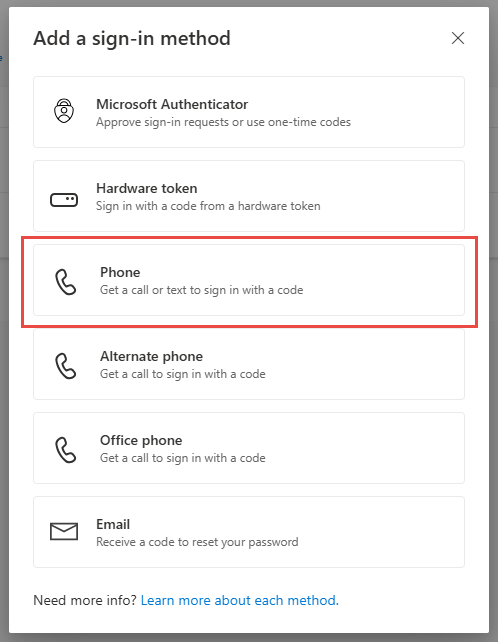
- Click the "+ Add Method option".
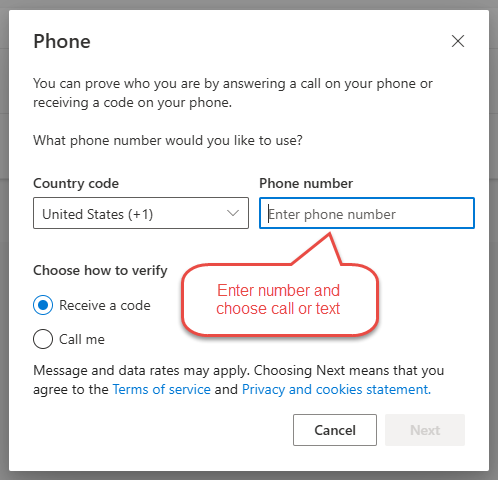
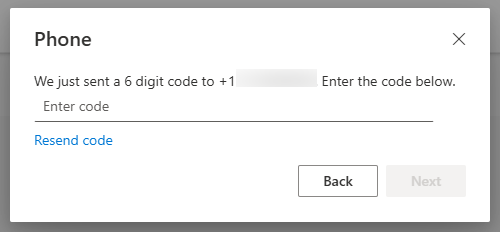
- If your initial choice when you first set up MFA was the Authenticator Application and you would like to choose a phone call/text option, you will be called at the new number to verify it is you making the change.
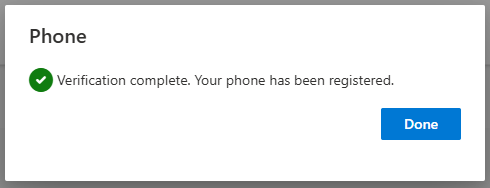
- Your new verification method is now added to the list of authentication methods in your MFA Account Portal.
NOTE: If you got a new device or are stuck in an authentication loop, you will not be able to add an additional method. This will require you to contact Culligan IT for assistance.