Signing Out and Back Into Office on a Laptop
1. Click on your profile icon in the upper right-hand corner of Microsoft Word, and then click on Sign out.
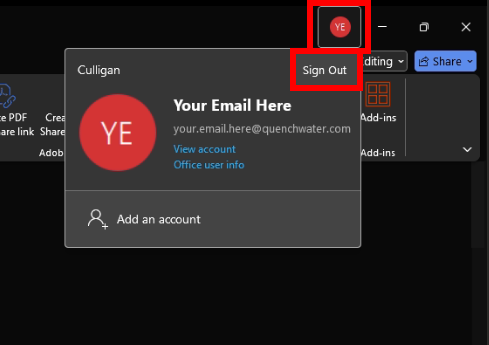
2. Click on Sign out in the second pop-up window.

3. Click on the Sign in button.
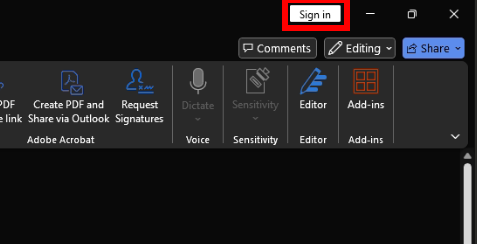
4. Type in your email using the new culliganquench.com domain. Your password will still be the same as what you had before.
