Signing Out and Back Into Teams on a Laptop
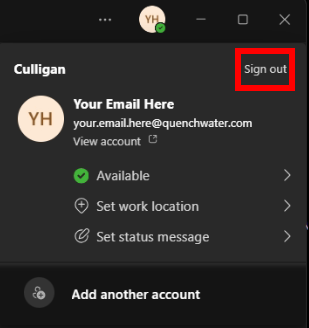
1. Click on your profile icon in the upper right-hand corner of Teams, and then click on Sign out.
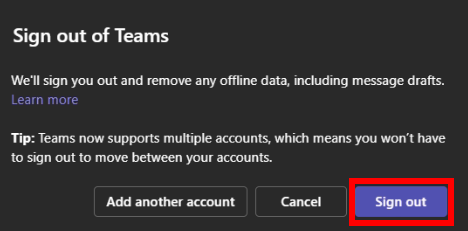
2. Click on Sign out in the second pop-up window.
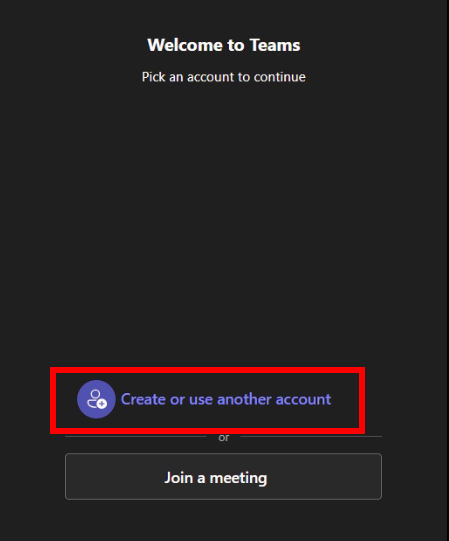
3. Re-open Teams and click on Create or use another account.
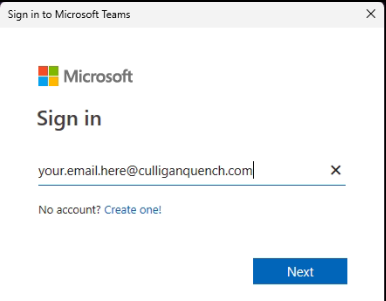
4. Type in your email using the new culliganquench.com domain. Your password will still be the same as what you had before.