Signing back into the Wi-Fi Network
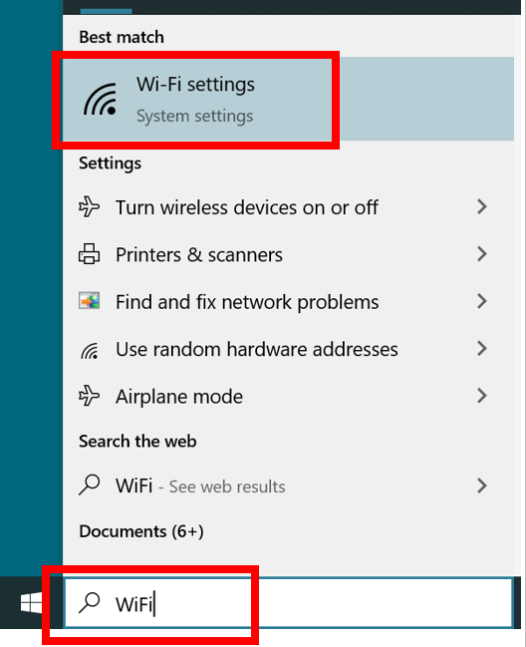
- Click on the Search bar at the bottom of your screen and type in Wi-Fi. Select the option for Wi-Fi Settings.
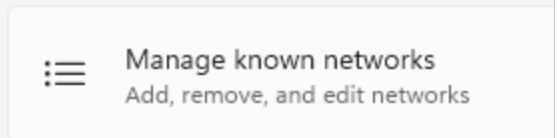
- In the Wi-Fi settings page, click on theManage Known Networks button.
- You will see a list of saved Wi-Fi connections. Find and select Aqua-Corp and click on Forget.
- After you forget the network, go to the list of available networks and select Aqua-Corp. Click on Connect.
- Click on the box that says, Use my Windows User account. Then, select Continue and you will be connected.