Signing Out and Back Into Outlook on a Mobile Device
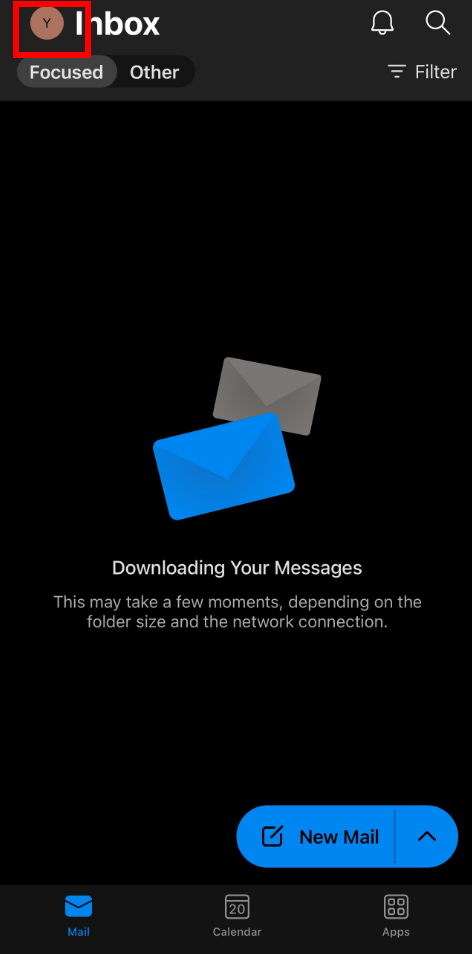
1. Tap on your profile icon in the upper left-hand corner of Outlook.
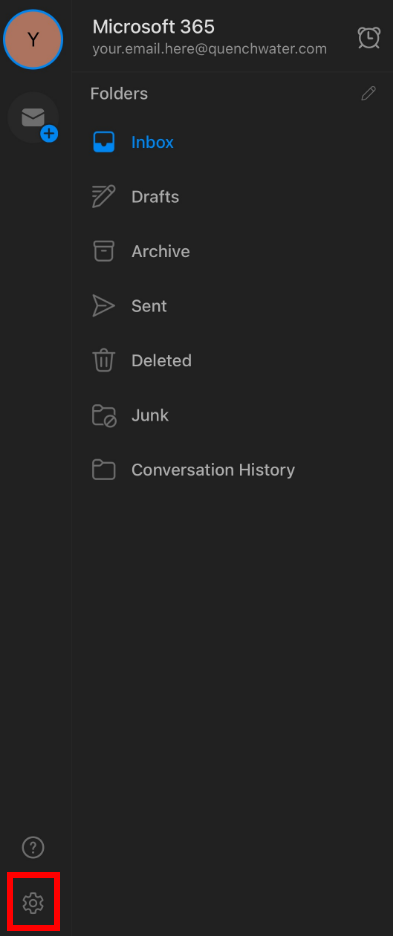
2. Tap on the gear icon on the bottom left-hand side of Outlook.
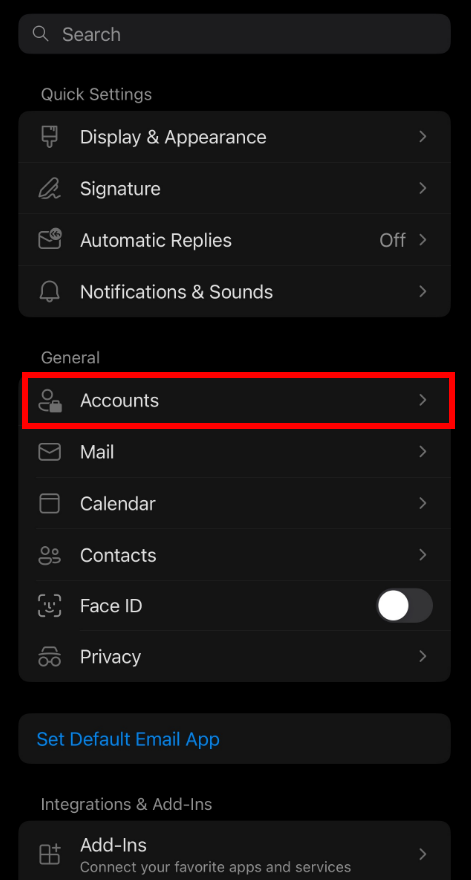
3. Tap on Accounts.
4. Tap on your email account.

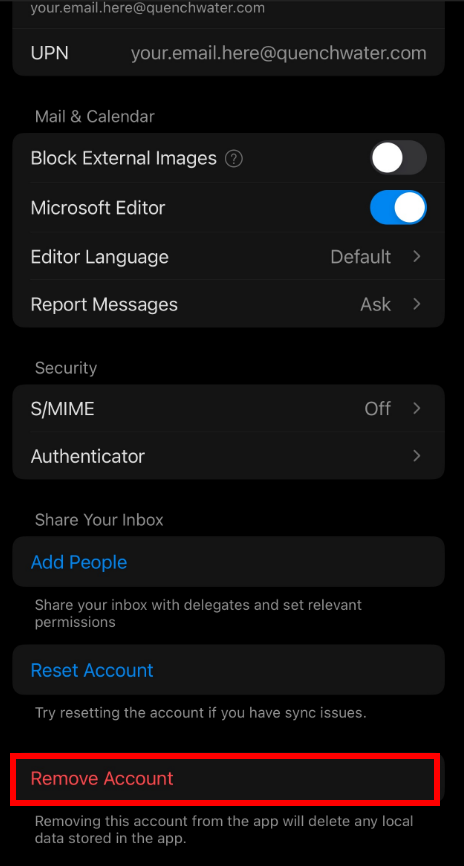
5. Tap on Remove Account.
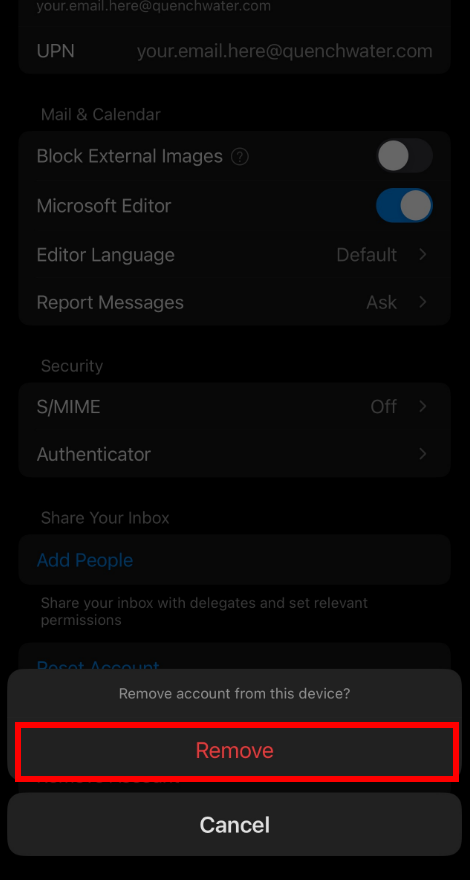
6. Tap on Remove** to confirm.
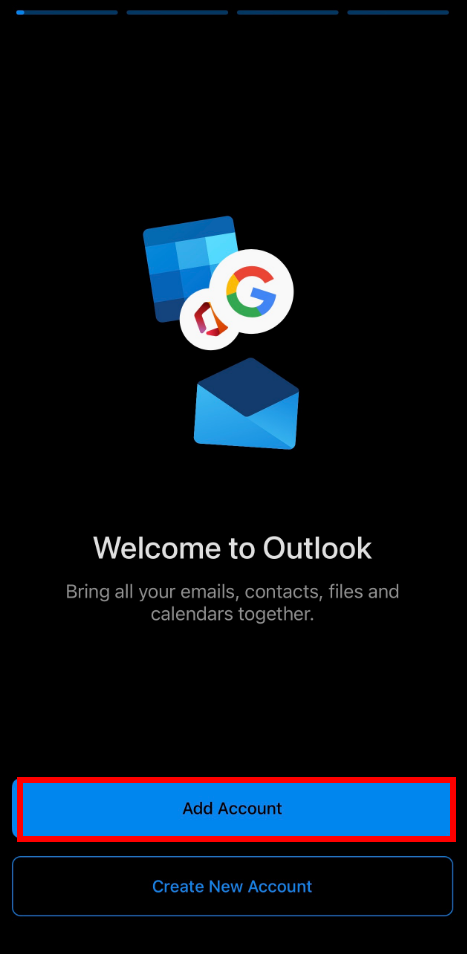
7. Re-open Outlook and tap on Add Account.
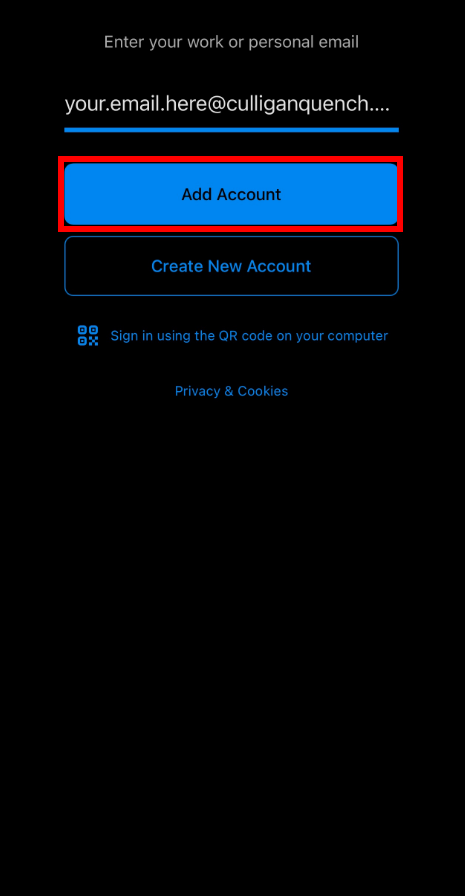
8. Enter in your email address using with the new culliganquench.com domain and tap on Add Account.
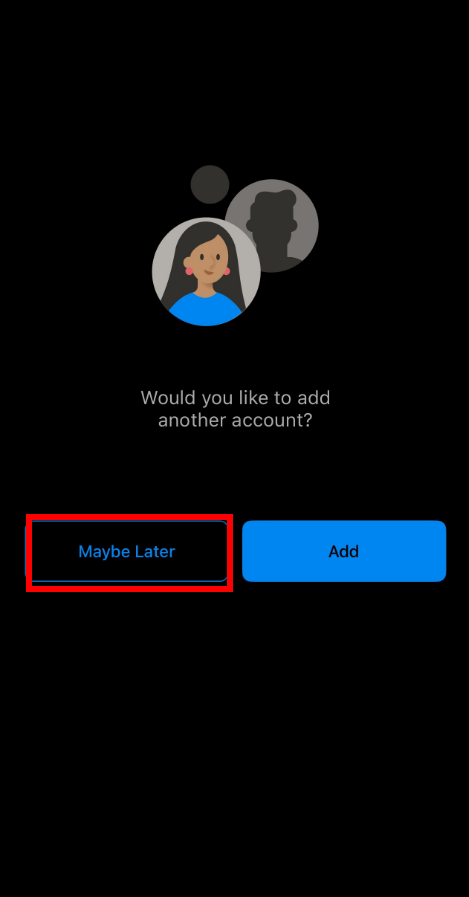
9. Once you've logged in, you'll be prompted to add another account. Tap on Maybe Later to skip this step.